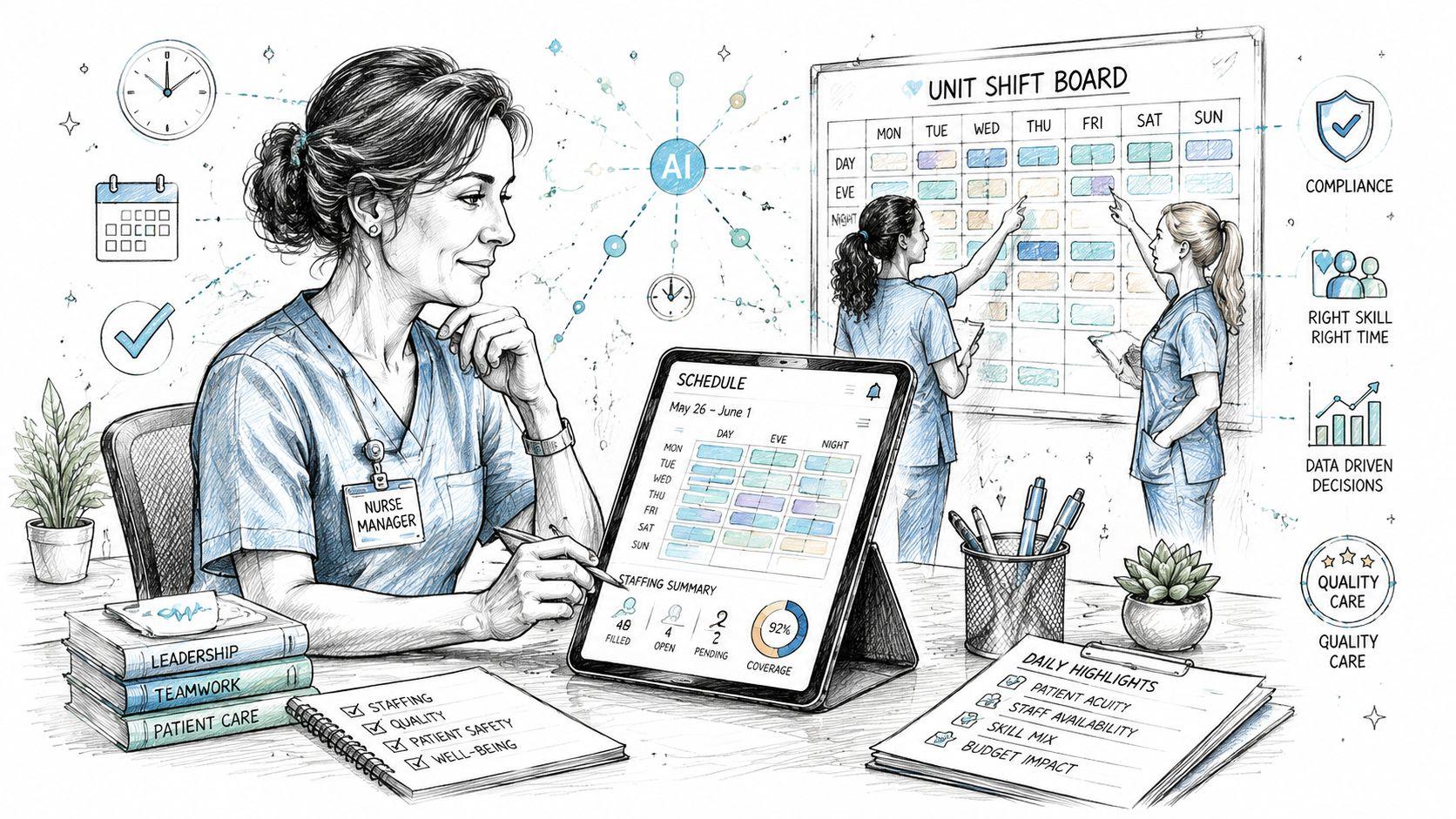

Nurse Scheduling Software: A Buyer's Implementation Guide
The call comes in at 6:45 a.m. A nurse is out sick, one unit is short on a specialty skill, another manager needs a weekend swap approved before rounds, and the schedule board already has three holes that were patched by hand the night before. These scenarios are common for many nurse managers, and it's exactly why nurse scheduling software has moved from a nice-to-have to core operations.
The market tells the same story. A major 2025 estimate valued the global nurse scheduling software market at USD 1.85 billion, with a projection to reach USD 4.32 billion by 2033 at a 11.2% CAGR. It also found cloud-based SaaS made up 68% of market value in 2025, which is a strong sign that buyers want browser-accessible tools, not another on-premise headache. For teams that also manage remote staffing patterns, resources like remote NP jobs show how much scheduling has broadened beyond a single unit or building. The old spreadsheet-and-phone-call model just doesn't fit that world anymore, and a schedule of availability only works when the underlying system can keep up.
Moving Past the Chaos of Manual Nurse Scheduling
Manual scheduling looks simple until the week starts moving. Then the work becomes a chain of interruptions, with one late callout turning into five follow-up texts, a break rule buried in a policy binder, and a charge nurse trying to protect coverage while still honoring preferences that were promised last month. The friction isn't only annoying. It burns time, creates avoidable errors, and makes it hard to prove that the schedule was built fairly.
That's why this category is no longer experimental. The market growth matters because it shows hospitals and clinics are already budgeting for this problem at scale. A tool that automates shift creation, labor compliance, and resource allocation isn't a future-state luxury, it's an operational response to a recurring burden.
Practical rule: if the schedule depends on memory, sticky notes, and side conversations, it's already too fragile for a busy clinical environment.
The buyer mindset has to shift from “How do we get through this week?” to “What system removes the weekly scramble?” That means treating scheduling as a governed workflow with rules, approvals, exceptions, and audit trails, not as a daily improvisation exercise. In practice, the best software won't just fill shifts faster, it will reduce the number of moments where a manager has to choose between speed, fairness, and compliance.
The clearest signal is that this is now a mature software category, not a niche add-on. Cloud delivery dominates the market, which matters because hospitals don't want a heavy IT project attached to every roster update. The product has to fit the pace of clinical operations, not slow them down.
Defining Your Team's Core Scheduling Requirements

A vendor demo is too late to discover what the unit needs. The better move is to write a requirements sheet that reflects the mess, not the ideal version of your roster. That sheet should come from the people who build, approve, and work the schedule, because what matters on paper often looks very different at 3 a.m.
Start with the schedule shape
Every department has its own rhythm. Some run 8-hour shifts, others use 12-hour blocks, and many have rotating weekends, floating assignments, or call coverage layered on top. If the software can't handle your actual cadence, every “automation” feature just pushes the manual work somewhere else.
A useful internal audit should document:
- Shift structure: List the exact shift lengths, handoff patterns, weekend rotation, and call requirements the unit uses.
- Coverage logic: Note where staffing has to flex by acuity, census, role, or specialty.
- Skill mix: Define what each shift needs in terms of RN, LPN, CNA, charge nurse, or other roles.
- Preference rules: Capture how much weight to give days off, rotation fairness, and recurring requests.
- Compliance limits: Record any labor law, union rule, rest-period rule, or facility policy that the schedule has to respect.
Treat fairness as a requirement, not a nice extra
Nurses notice when the same people always get weekends, nights, or desirable assignments. They also notice when a system can't explain why one person keeps getting priority over another. The software should support fair distribution of work and make the logic visible enough for managers to defend it.
Operational insight: a strong requirement document doesn't just say what the schedule must include. It says what the system must never do, like assign an unqualified nurse, hide a swap, or quietly override a labor rule.
The questions to ask internally are blunt. Who owns the weekly schedule? Who approves exceptions? Which data source is the truth for credentials and availability? If those answers aren't clear before procurement, the implementation team will end up defining them under pressure. That's when confusion turns into rework.
Must-Have Features in Modern Nurse Scheduling Software

The best platforms don't just “make schedules.” They manage the rules around schedules, the communication around changes, and the reporting that keeps staffing leaders out of blind spots. If a demo only shows drag-and-drop blocks, it's probably skipping the hard parts.
Automation that respects clinical reality
Automated shift assignment should not mean blind optimization. It should mean the system can apply your coverage rules, skill mix, rest periods, and availability constraints without forcing a manager to start from scratch every time someone calls out. The point is to reduce repetitive work while preserving control.
The strongest AI-enabled workflows also need explainability. In a longitudinal hospital study, an explainable AI scheduling system cut monthly scheduling time by 81.2%, from 32.0 hours to 6.0 hours, with P<.001 and Cohen's d = 4.33 (clinical study on explainable AI scheduling). That matters because the benefit wasn't only speed. The study also reported high nurse uptake and showed that bias already present in the workflow could be eliminated when the system was designed to be transparent.
Communication and swap handling
Open shifts, callouts, and swaps happen constantly, so the software has to make those actions easy and trackable. A good system gives nurses a clean path to claim, trade, or request changes without creating a paper trail that only one manager can decipher later. If the workflow still depends on back-and-forth phone calls, the tool hasn't really solved the problem.
Reporting that supports decisions
Enterprise-grade scheduling usually needs more than a calendar view. A hospital scheduling stack often includes leave analytics, automated swap-duty workflows, real-time dashboards, and individualized nurse face sheets that summarize assignments and credentials, according to academic work on operational scheduling design (SAGE academic paper on enterprise scheduling components). That combination helps leaders see not just who is working, but whether the schedule is legally and operationally sound.
| Vendor Scoring Matrix Template | ||||
|---|---|---|---|---|
| Evaluation Criterion | Weight (1-5) | Vendor A Score (1-10) | Vendor B Score (1-10) | Notes |
| Ease of use | ||||
| Compliance handling | ||||
| Mobile access | ||||
| Integration fit | ||||
| Reporting depth |
A scoring sheet like this forces the conversation away from feature hype and toward fit. That's the same reason a practical shortlist often starts with a structured comparison like the 10 best scheduling programs, then narrows based on the rules the unit needs.
A Practical Framework for Evaluating and Scoring Vendors
The wrong vendor can look great in a 30-minute demo. The right one can look boring, because it answers hard questions quickly and doesn't collapse when the scenario gets ugly. That's why evaluation has to be structured around real use cases, not presentation polish.
Use weighted criteria, not gut feel
A scoring model should reflect your priorities. A critical-care unit may weight compliance and credential checking higher, while a smaller facility may care more about setup burden and day-to-day usability. Weight each criterion from 1 to 5, then score each vendor from 1 to 10 on the same list. The absolute numbers matter less than the discipline of comparing platforms on the same terms.
A useful checklist includes:
- Ease of use: Can a charge nurse use the system without a training marathon?
- Rule handling: Does the software enforce policies before the schedule is published?
- Integration fit: Can it connect with payroll, HRIS, or EHR systems without custom work?
- Exception handling: How does it manage callouts, overrides, and last-minute swaps?
- Auditability: Can leaders see who changed what, when, and why?
Ask the questions vendors hate
The cleanest test is a scenario, not a slide deck. Show me how the system handles a last-minute callout at 3 a.m. Show me how a manager overrides a proposed assignment without breaking the audit trail. Show me how the system explains why one nurse was assigned and another was not. If the vendor can't walk through those situations clearly, the product is probably built for a quieter environment than a hospital floor.
Vendor check: if the system can't explain its own decisions, the trust problem lands on the nurse manager.
Look beyond the subscription fee
Total cost of ownership includes implementation, data migration, training, support, and the time managers spend maintaining the system. A lower monthly fee can still become the more expensive choice if it requires ongoing IT intervention or constant workarounds. For smaller or resource-constrained facilities, independent guidance says the key question is whether one nurse manager can run it day to day without turning it into an IT project (practical buyer guidance on implementation burden).
The best procurement decisions usually come from watching how vendors behave under pressure. Do they show manual override paths? Do they explain how fairness is audited? Do they demonstrate how swaps, leave, and credentials stay connected to the roster? Those answers are worth more than a polished feature list.
From Procurement to Pilot The Implementation Roadmap

Most implementations fail for a simple reason. The organization buys software for the manager, but the manager ends up carrying the rollout alone. That doesn't work in healthcare, where the schedule touches nurses, charge nurses, staffing office staff, payroll, and often IT. The rollout has to be owned as an operational change, not treated like a software install.
Build a small but serious implementation team
The team should include a clinical champion, the person who owns scheduling, someone from payroll or HR, and a technical contact who can handle integration questions. That group should agree on the rules before anything is configured. If the pilot unit has unresolved policy debates, the software will only amplify them.
A phased launch keeps the risk manageable:
- Planning and configuration for rules, credentials, and templates.
- Data setup for staff profiles, availability, and historical schedules.
- Pilot testing with one unit that can tolerate change.
- Full rollout after the issues are documented and fixed.
Keep the pilot narrow
A tech-friendly unit is better than the loudest unit. The point of the pilot is to surface workflow friction, not to prove the system can survive every edge case in the hospital on day one. That means choosing a manager who can give candid feedback, nurses who will use the mobile tools, and a shift pattern that still reflects real complexity.
The implementation has to fit the facility's ownership model. Guidance for smaller organizations is blunt about this, the system has to be something one nurse manager can realistically operate without constant IT support (implementation ownership guidance). That's not a minor detail. It decides whether the tool becomes a standard process or another shelfware subscription.
Train on the problems, not the buttons
Training should use actual scenarios, not generic tours. Show how a swap is approved, how an unavailable nurse is blocked, how a leave request changes the coverage picture, and how a manager overrides a schedule with a documented reason. Then repeat those steps with payroll and staffing leads so the downstream impacts are visible from day one.
For teams already managing multiple calendars or handoffs, a practical guide like merging Google calendars can be useful as a reminder that calendar complexity is usually a workflow problem first and a software problem second.
Measuring Success and Driving Long-Term Adoption
A new system earns its keep when the schedule becomes calmer, cleaner, and easier to defend. The question isn't whether the interface looks modern. It's whether the unit gets fewer frantic fixes, managers spend less time rearranging coverage, and nurses trust that the schedule was built fairly.
Track operational results that leaders care about
The most useful metrics are the ones tied to daily pain. Time spent building schedules is one of them. Error rates are another, especially where credentialing, leave, or availability mismatches create rework. Adoption matters too, because a system nobody uses just becomes a prettier version of the old problem.
A real-world AI scheduling deployment reported 94.9% adoption among nurses, with 148 of 156 nurses using the system (JMIR research on AI scheduling adoption). That level of uptake is important because it suggests nurses will use the tool when they trust the logic and can understand the assignments. Efficiency alone doesn't get there. Transparency does.
Make trust visible
Staffing leaders should review who accepted swaps, where overrides happened, and whether any unit is still depending on manual workarounds. If the software is doing its job, those exceptions become easier to explain, not harder. That's where explainability matters. Nurses are much more likely to accept a schedule when they can see that the rules were applied consistently.
Keep adoption alive after go-live
Long-term use depends on routine, not enthusiasm. The schedule needs periodic review, especially when policy, labor rules, or staffing patterns change. Managers should also collect feedback from nurses on fairness, usability, and how quickly the system handles changes. The best teams use those comments to refine templates and approval rules rather than letting irritation build up unnoticed.
A strong rollout doesn't end when the system goes live. It ends when the team no longer wants to go back to spreadsheets. At that point, the software has become part of clinical operations, not just another vendor tool.
If you're comparing options for nurse scheduling software and want a practical conversation about fit, workflow, and rollout risk, Headset Army is a good place to start.